
Available on mobile
VideoXpert
VideoXpert
Edit video. Like a pro.
Professional video editing in your pocket: multi-layer timeline, keyframe animation, color grading — everything you need.
Store rating
User ratings
8,934
Trusted by creators
Preview the editing workflow
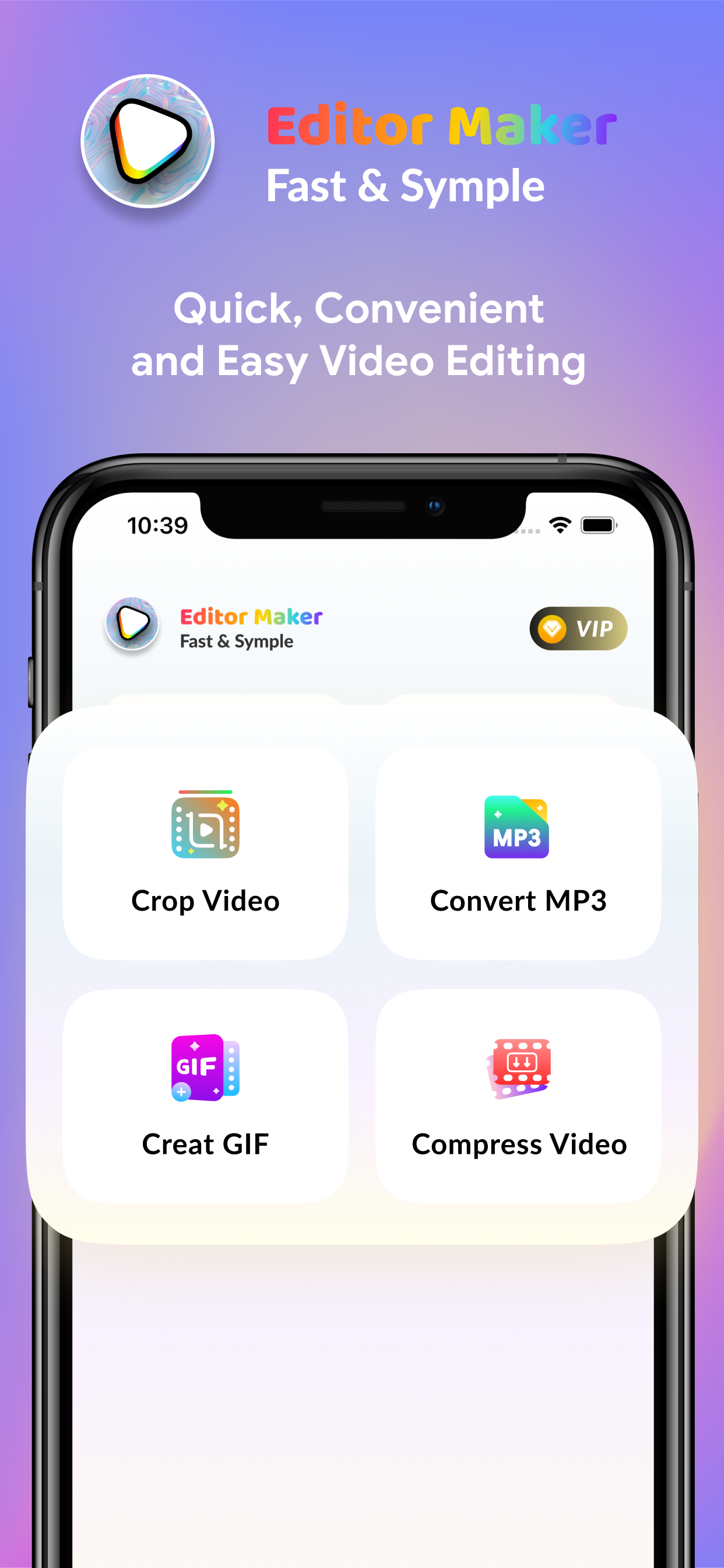
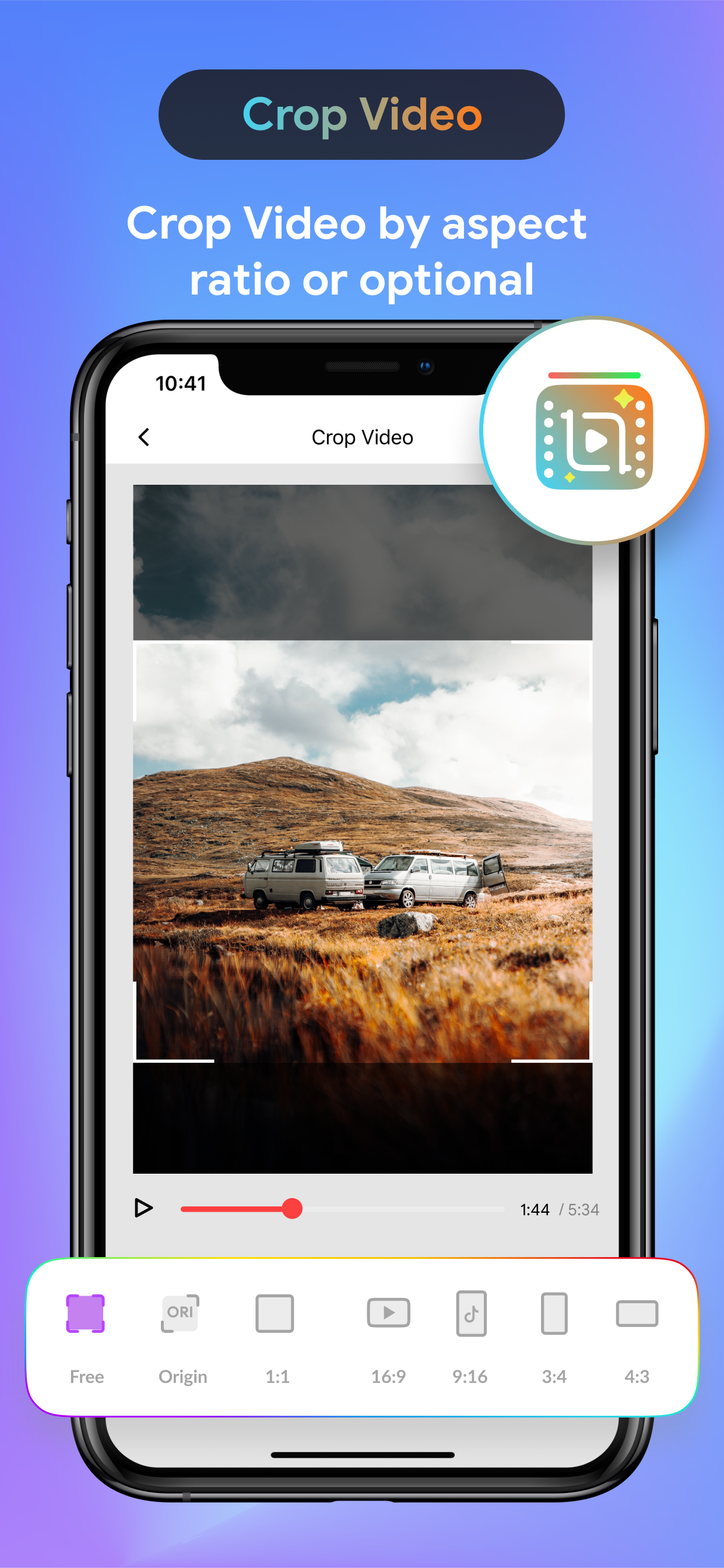
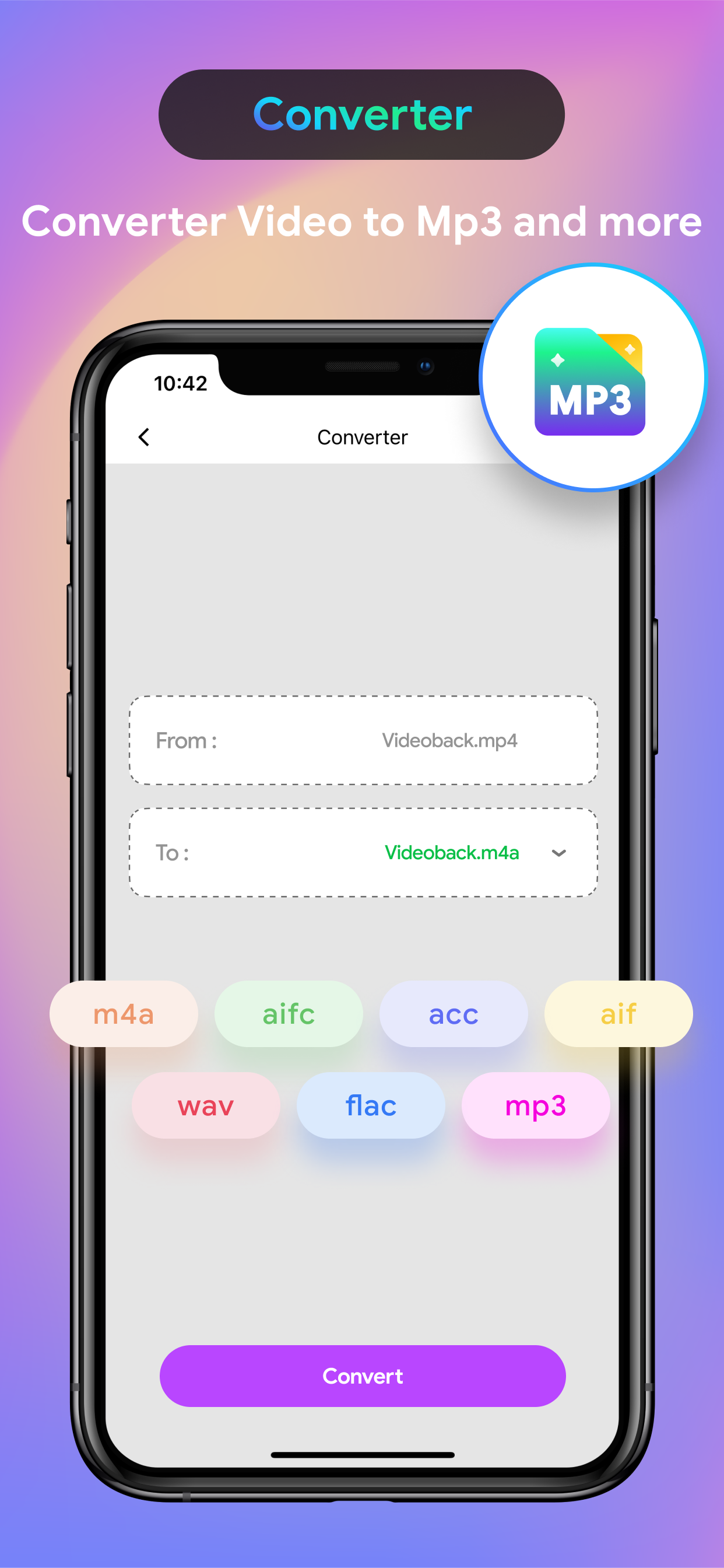
Mobile editing
Built for the moments people use it most.
Practical benefits you notice every day.
Multi-layer timeline
Stack video, photos, text, effects on multiple layers. Drag-and-drop timeline as intuitive as desktop.
Color grading
Curves, HSL, LUTs — complete color tools to give your videos a cinematic look.
Effects & transitions
Hundreds of built-in effects: blur, glitch, zoom, shake... Smooth transitions between scenes.
Powerful features, presented clearly.
The core tools, shown with less noise.
Intuitive timeline
Trim, copy, move clips with your fingers. Zoom timeline frame by frame. Unlimited undo/redo.
Timeline
Arrange clips with clear, touch-first controls.
Pro color grading
Use Curves, HSL Panel, LUTs to grade your video. Cinematic color presets included. Instant before/after comparison.
Color
Shape contrast, warmth, and mood with precision.
Export in high quality
Export up to 4K 60fps. Choose codec H.264/H.265, adjust bitrate. Optimized for social platforms.
Export in high quality
Export up to 4K 60fps. Choose codec H.264/H.265, adjust bitrate. Optimized for social platforms.
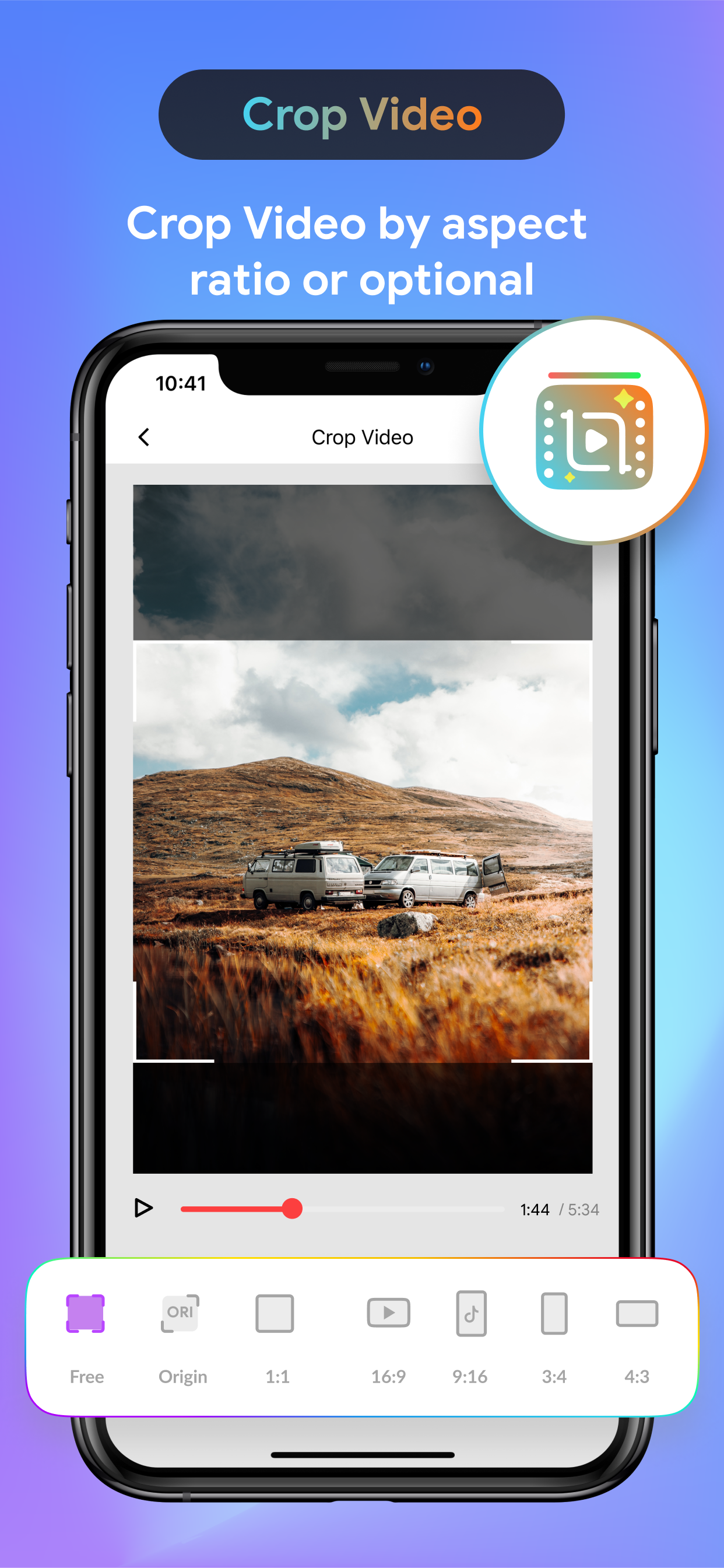
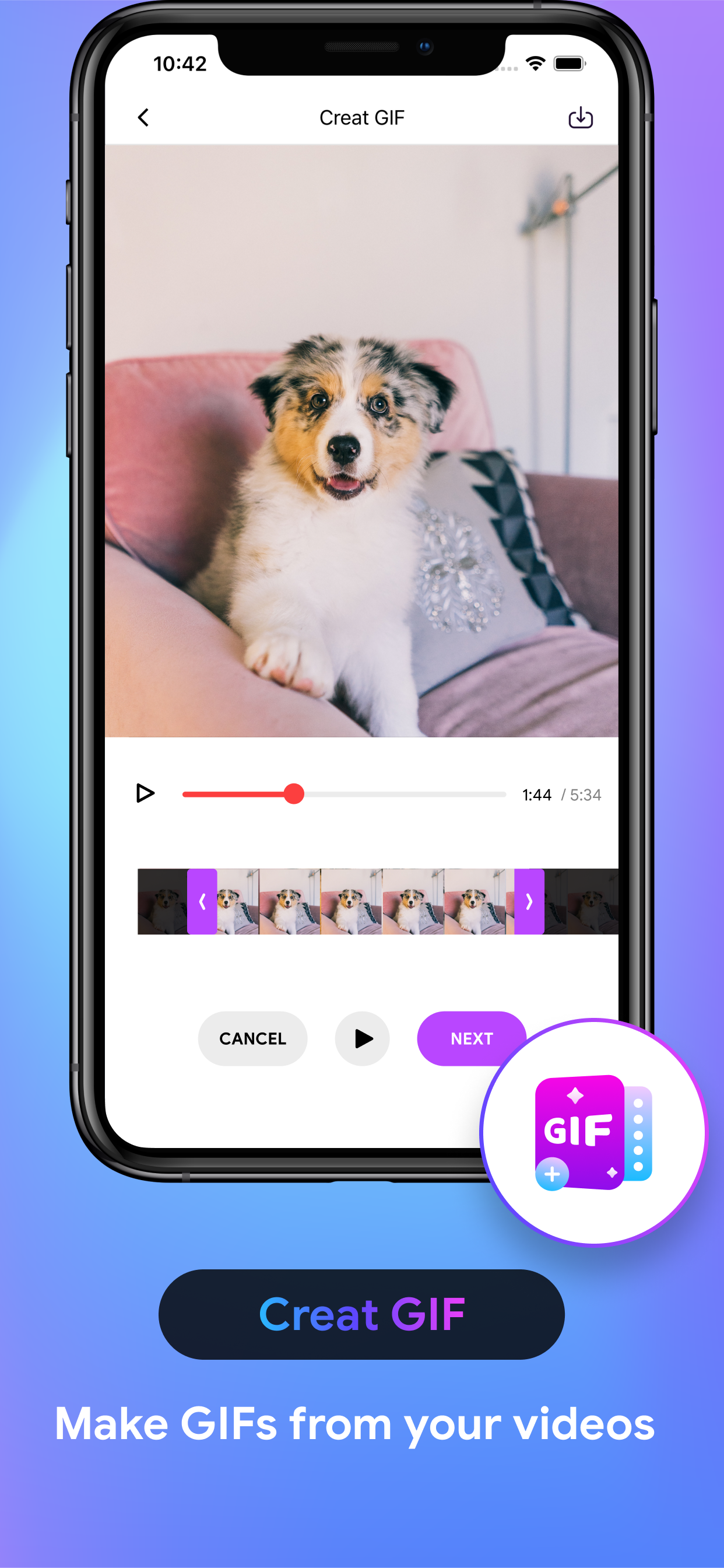
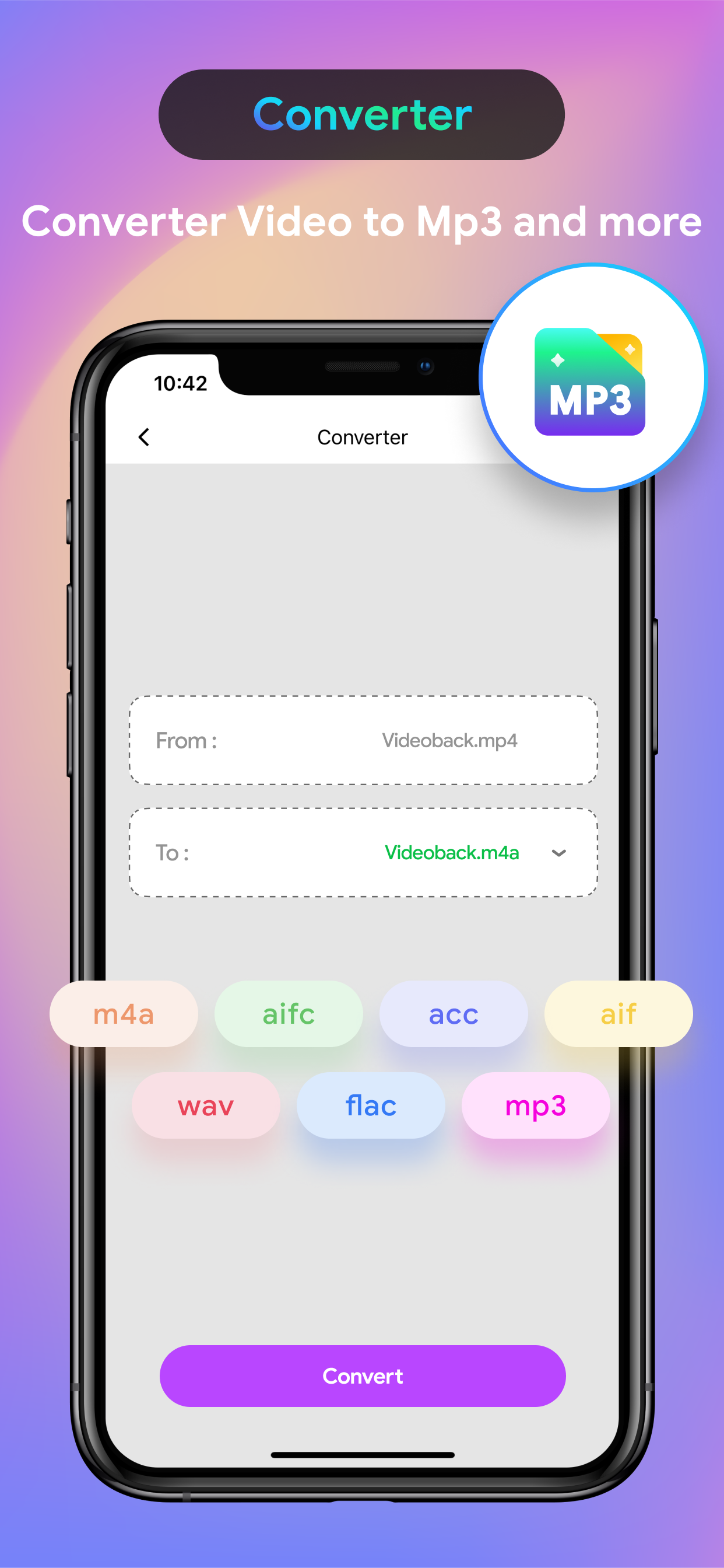
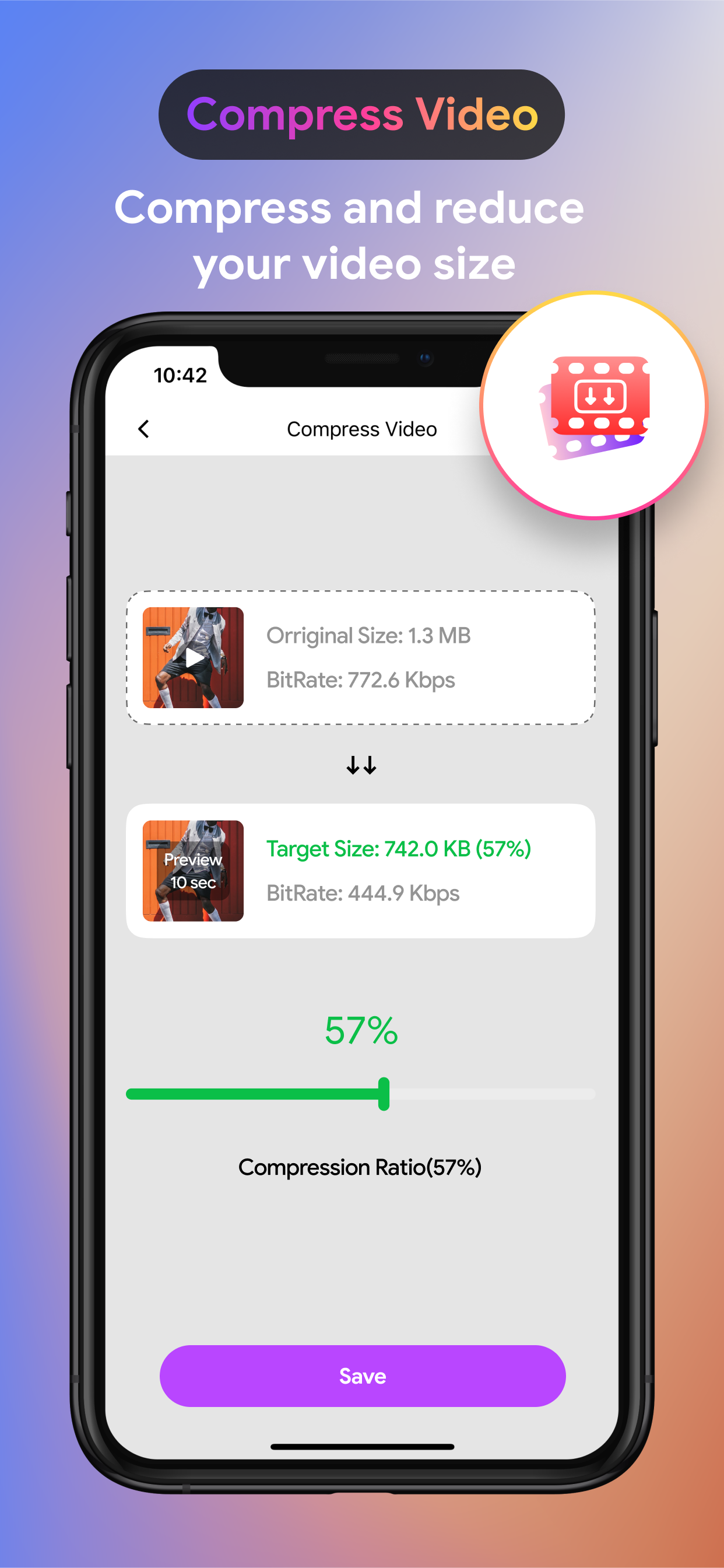
See the interface in action.
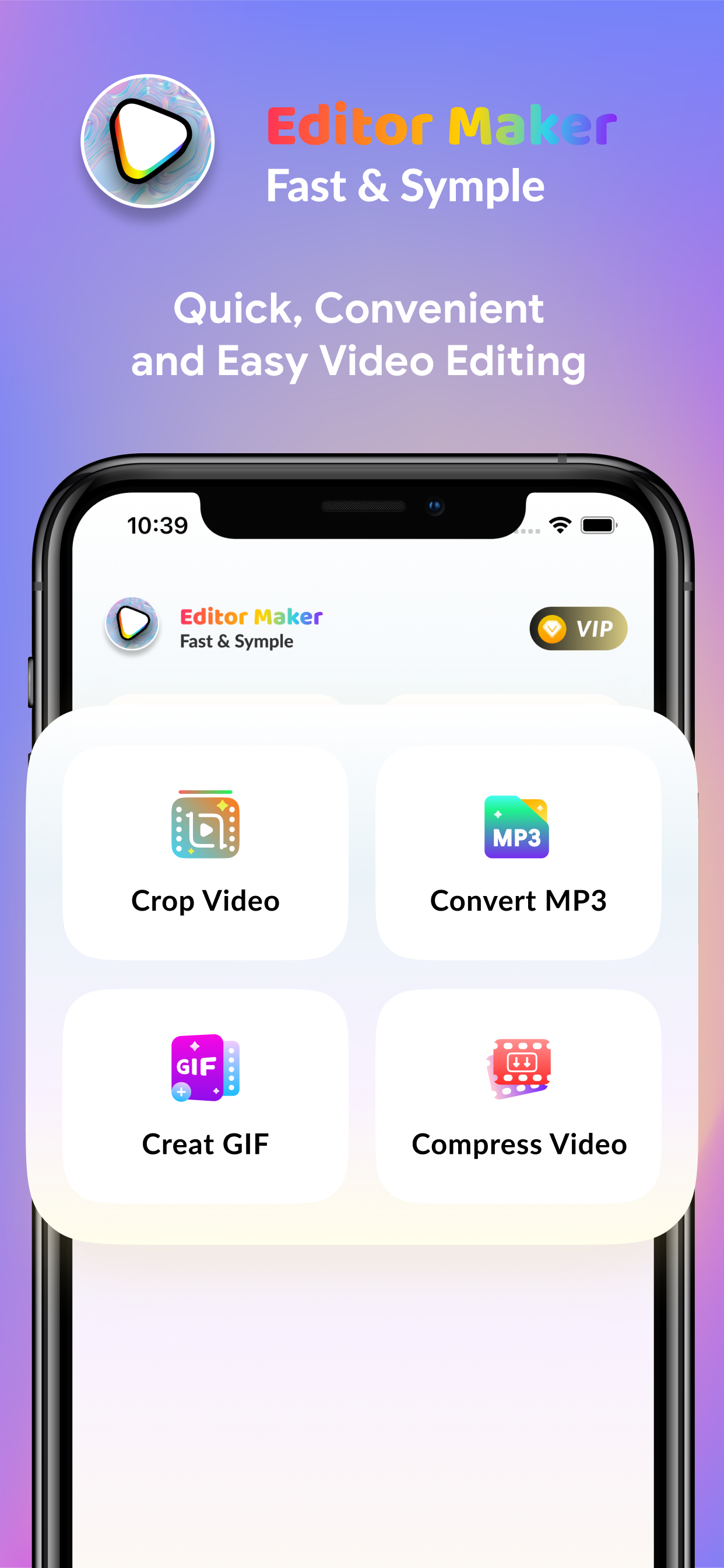
These screens show the main VideoXpert editing flow on mobile.
Purchase
Pick the plan that matches how you use VideoXpert.
Clear entry pricing, clear upgrade path, and a cleaner explanation of what you unlock.
Trial
Start with the verified free trial period before the yearly plan begins.
Premium
Renews automatically after the verified 7-day free trial unless cancelled.
User Signals
Why people keep using VideoXpert.
The strongest value signals users tend to notice after the first few sessions.
Short-form creators
Quick exports
Cropping and compressing clips on mobile is faster than I expected, especially for quick social exports.
Content editors
Practical control
The interface is straightforward enough for quick fixes, but still gives me useful control over output.
Community teams
Utility workflow
Creating GIFs and converting clips in one place makes this feel much more practical than a single-purpose tool.
Mobile editors
Lightweight editing
Useful utility app when I need mobile edits without opening a heavier desktop workflow.
Get VideoXpert today
Download VideoXpert and start using it right away.
Edit video. Like a pro.
Choose your preferred store and get into the app in a few taps.